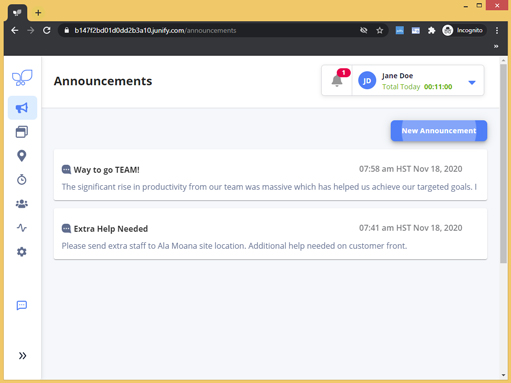
Junify provides an easy-to-use announcment feature that enables Managers/Supervisors to quickly share news and announcements with employees. Connect across PC browsers and mobile to manage projects, achieve work deadlines, and share daily info regardless of your organization's size or location.
The following will take you through a general overview of the PC browser version of Junify.
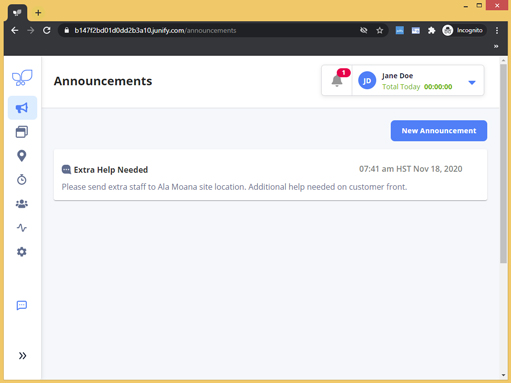
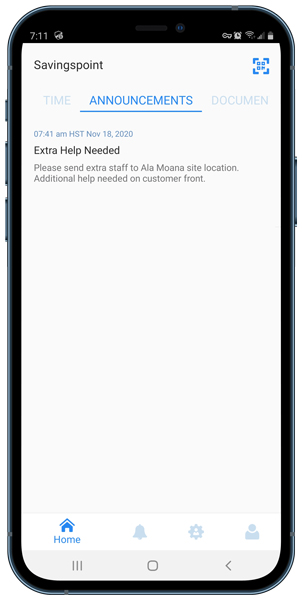
To access Announcements, click on the Annoucements icon  in your left navigation menu. The default page shows a historical view of Annoucements.
|
PC browser view
|
Mobile view
|
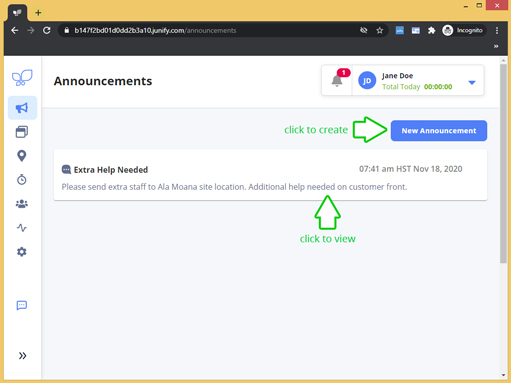
To Create an Announcement:
1. Click New Annoucement
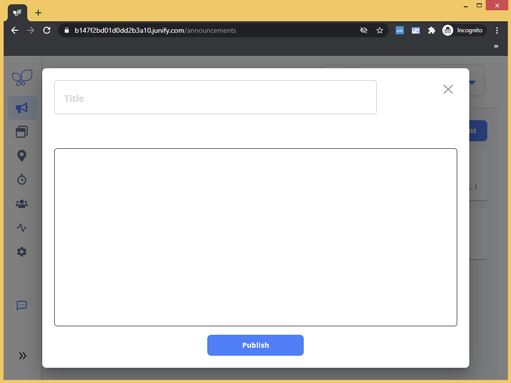
Clicking on New Announcement will display a screen with the input fields for your announcement.
 |
 |
2. Complete Announcement Form
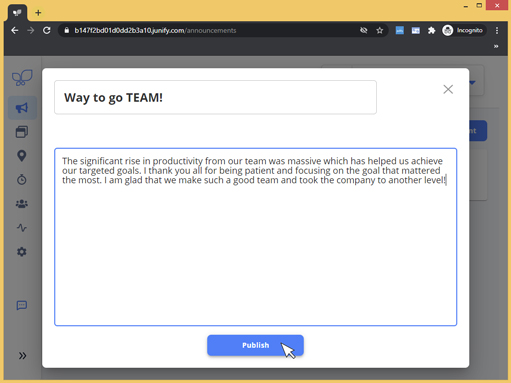
Complete the announcement form > Click [Publish] to save. Publishing the announcement will instantly make the announcement visible on your Member's annoucment screen (mobile or PC browser).
 |
|