The following takes you through the PC browser version of Junify. To delete Members using the mobile app [click here].
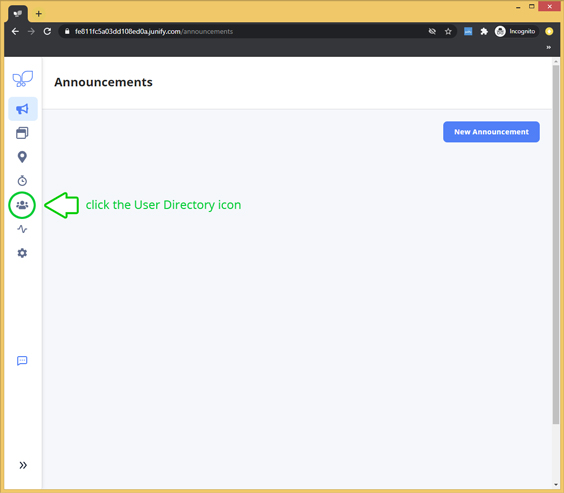
Log into Junify on your PC browser > Click on the User Directory icon  in the left navigation menu.
|
Don't see this option? Only administrators (user role: Owner/Manager) will have access to the User Directory page. |
To Delete a Member:
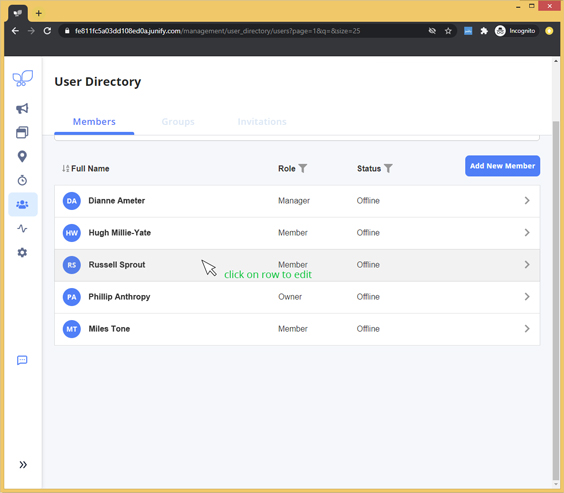
In your User Directory table view, click on the row of the user you would like to delete.
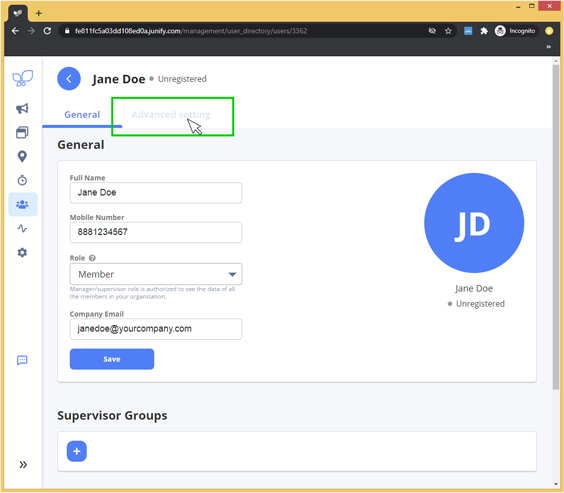
Click on "Advanced Setting" tab.
Scroll down to the "Delete User" section.
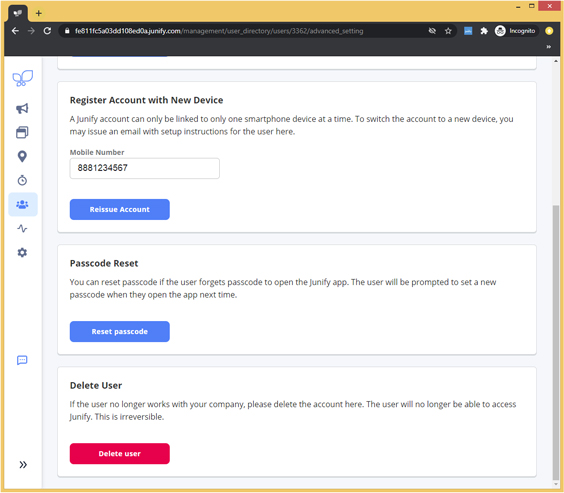
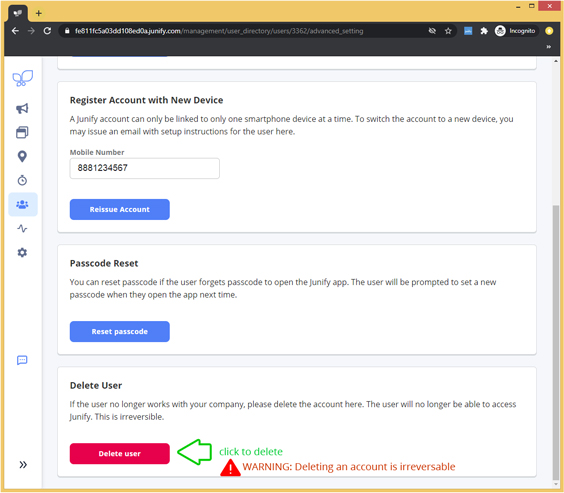
Click the Delete User button. The system will ask you to confirm as this action is permanent. See [Suspend Account] to pause an account. Suspending an account will give you the option to allow access at a later time.
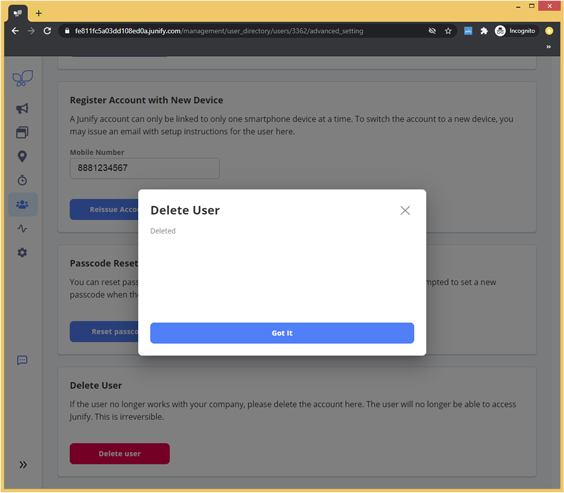
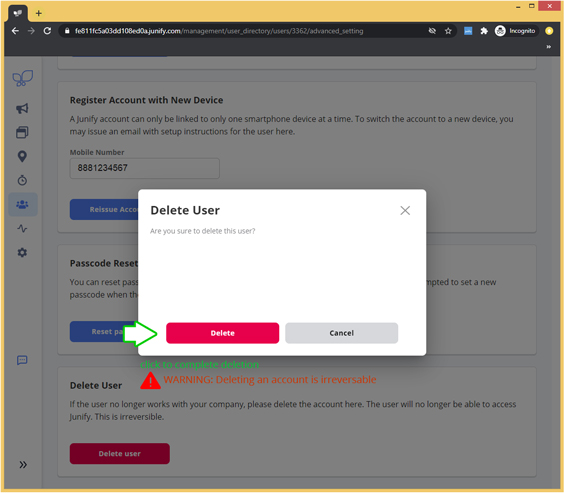
Click Delete to confirm.
Member has been permanently deleted and no longer has access to your organization.